
The case
Standard grant
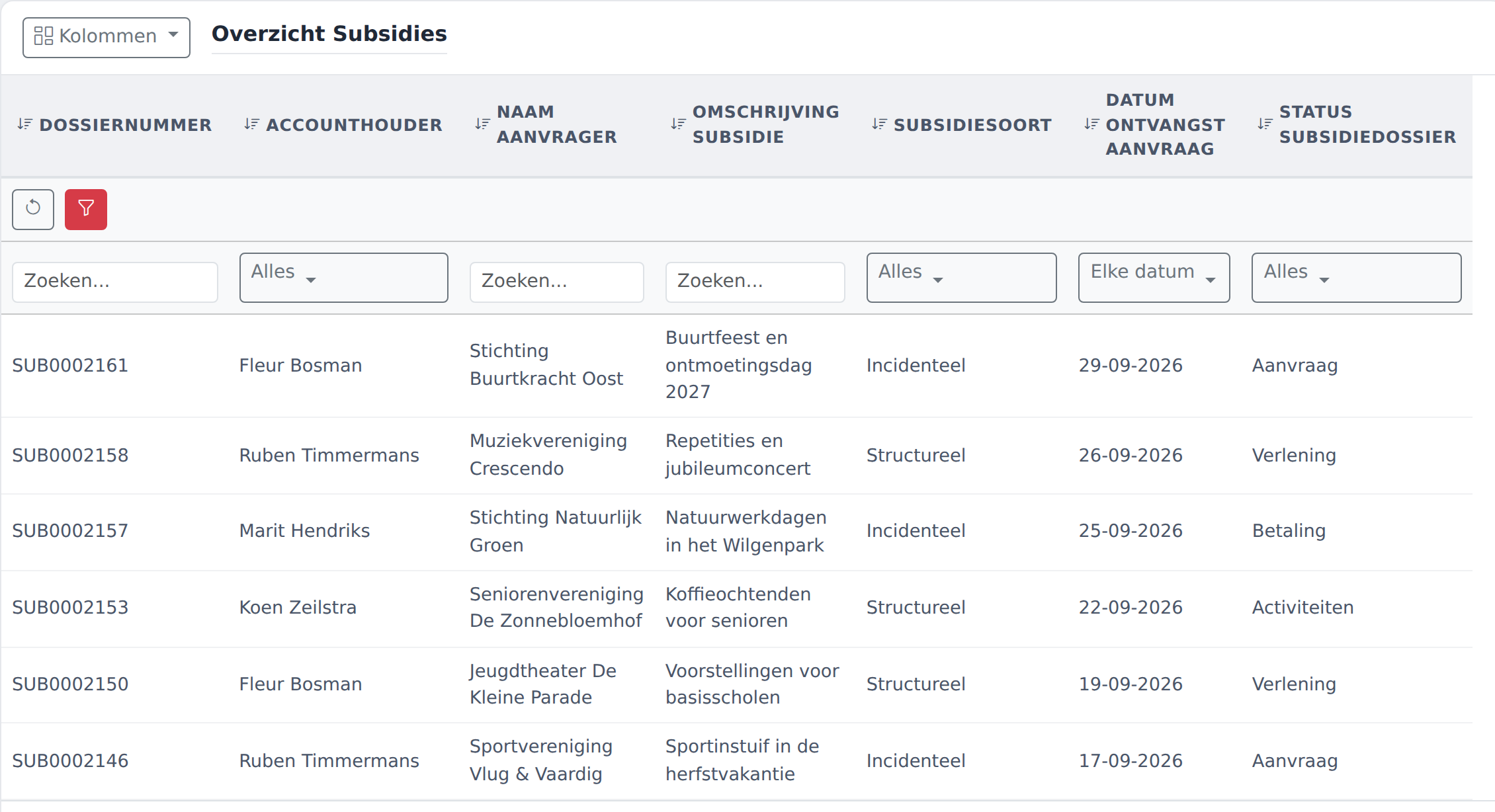
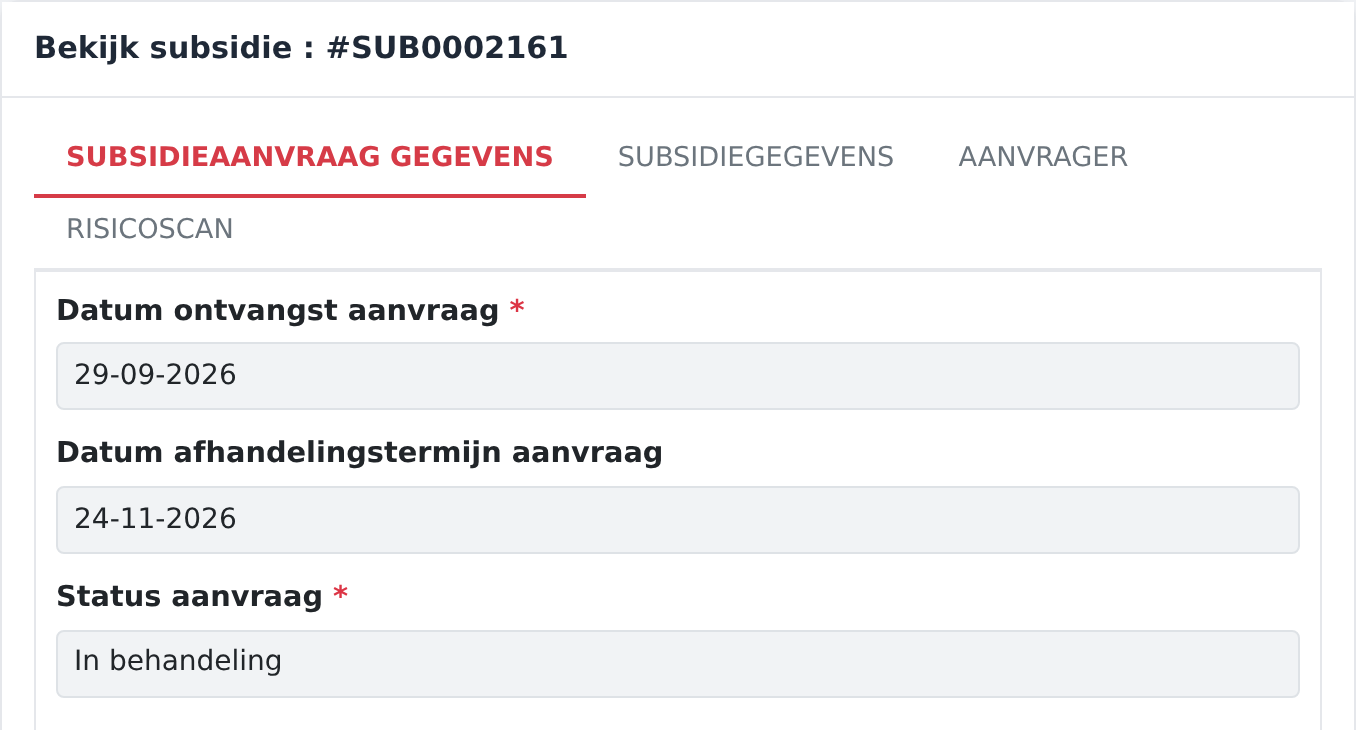
Four tabs with 85 fields: application details, grant details, applicant and risk scan.
For municipalities
The whole grant process in one system. Every application is a case, every step has an owner and every deadline is watched, from application through decision and payment to final settlement.
What it is about
The configuration
You do not start with an empty screen. The grant configuration is proven in practice and was built entirely in the configuration screens. You adapt it to your own schemes.
The case
Four tabs with 85 fields: application details, grant details, applicant and risk scan.
Payment
One-off, quarterly or monthly, with accounting codes and a checkbox to hold a payment.
Afterwards
Receipt, deadline, the settlement decision and any additional payment or recovery.
In between
Planned check-ins with a report and a follow-up appointment.
The work
Description, location, target group, partners, volunteer involvement and results achieved.
The applicant
The applicant's points of contact, with their role and whether they are still active.
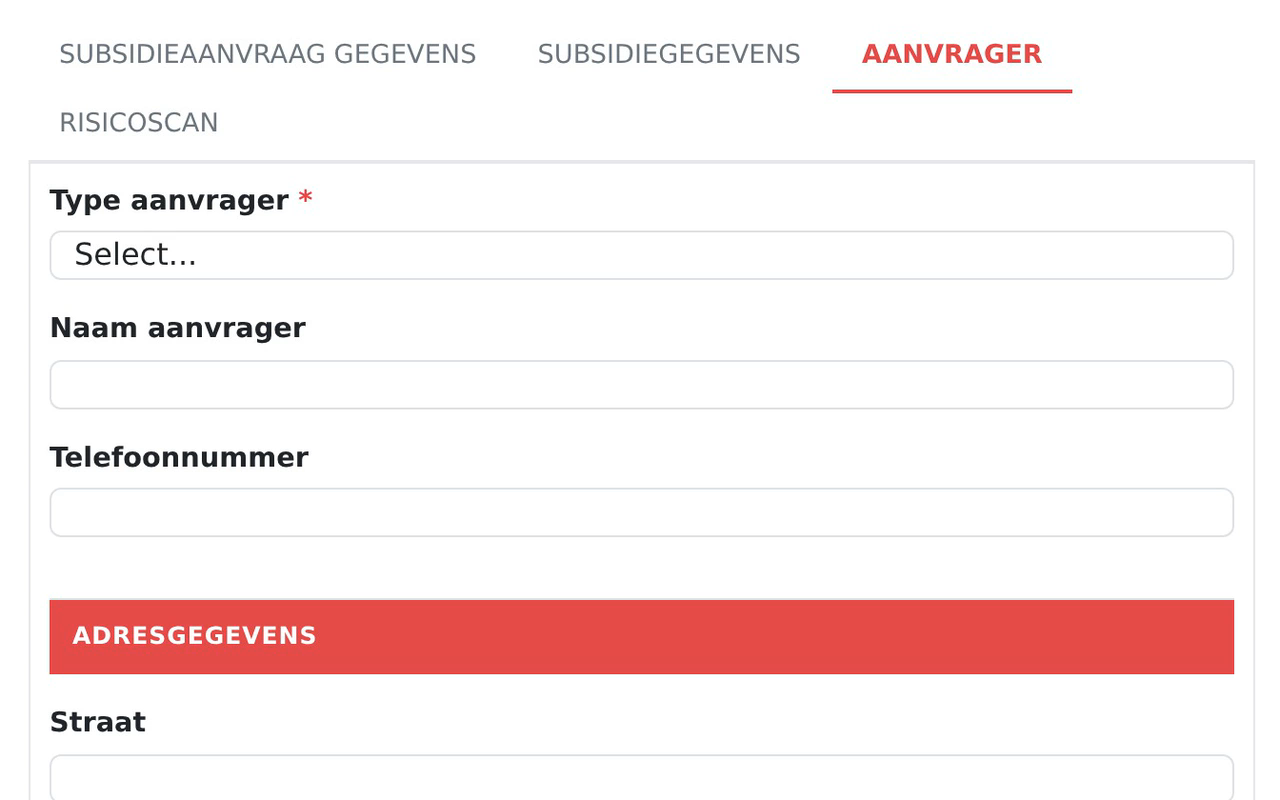
If the applicant is a person, the form asks for initials and surname. For an organisation, the Chamber of Commerce number and legal form appear. In the grant configuration, 49 fields work this way.
Online applications
When someone applies through a connected online form, Managed Flows creates the case itself. For Dutch municipalities this works through ZGW, the national standard for exchanging case data between government systems.
The case number the portal gets back is the real number in Managed Flows. Attached documents are stored with the case. An applicant can be a person or an organisation.
No online application form yet? We build it for you, connected through our secure API.
Who does what
Is automatically assigned the substantive steps: the assessment, the applicant's response, the plans and the decision. Receives the notifications about their cases.
Carries out the administrative checks, reviews the case and sends the decision. Sees new applications and reports as they arrive.
Adjusts fields, steps and notifications when policy changes, and decides per role who may see and do what.
Tell us which scheme it is and how you track it today. We will show you what the grant configuration already covers and what you adjust yourself.