Configure
Forms with tabs and fields
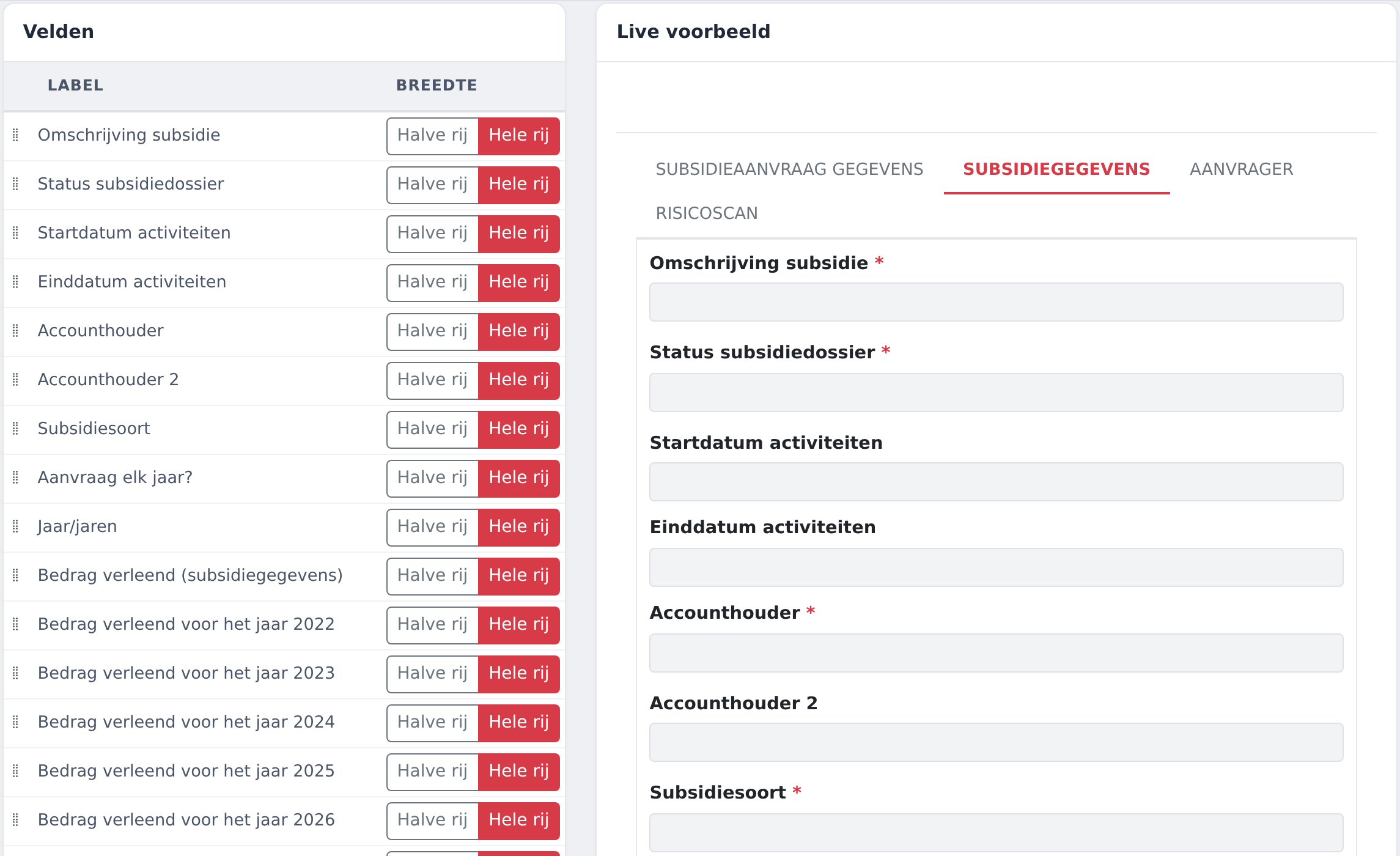
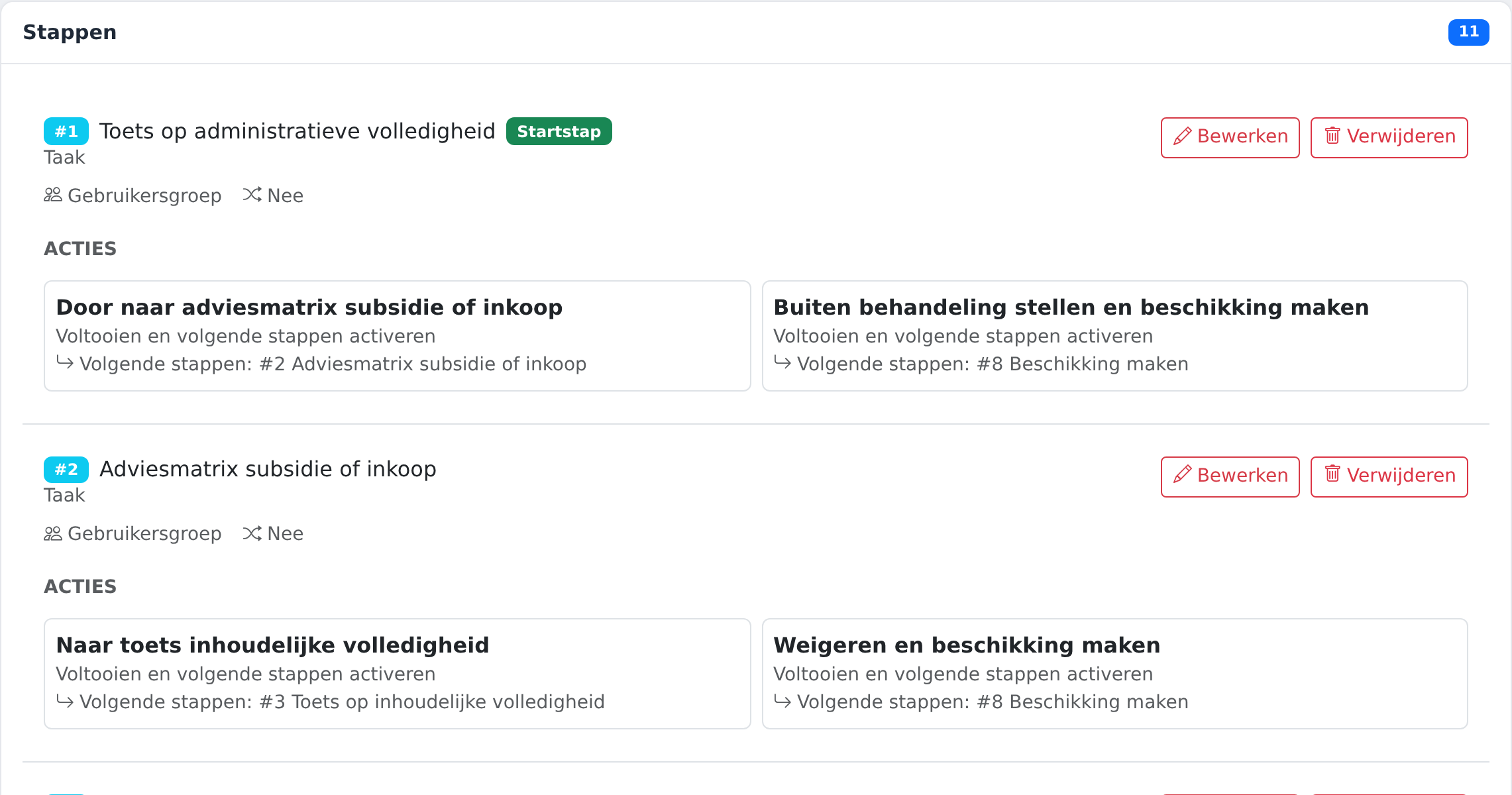
For each kind of work you decide what a case looks like: which data it holds, on which tab and in which order. A form can have parts, such as a payment plan for a grant.
- Twelve field types: text, text area, email, date, choice list, multiple choice list, checkbox, whole number, large whole number, decimal number, amount and file.
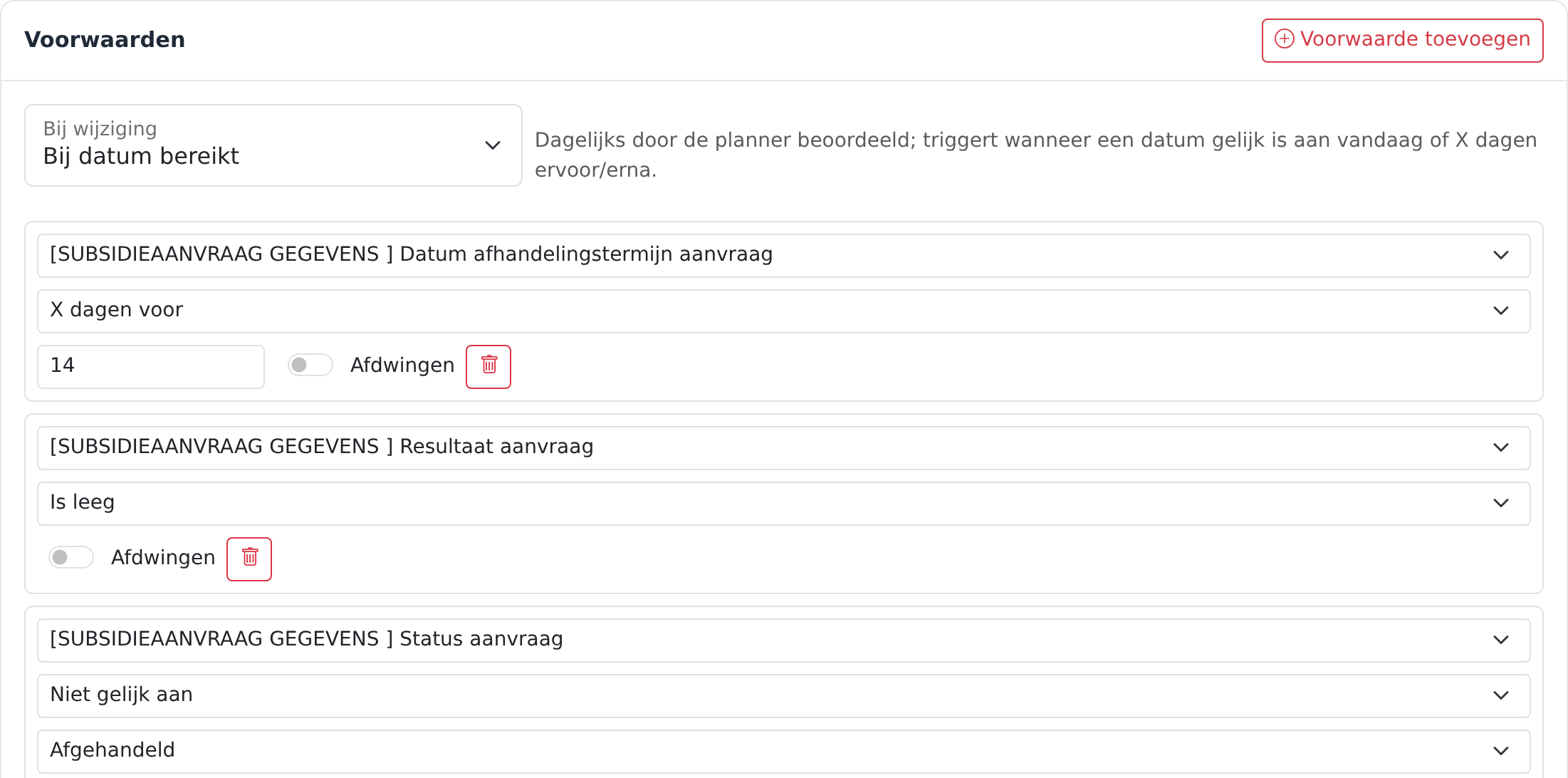
- Fields that only appear when an earlier answer calls for them.
- Format checks, such as postcode, phone and bank account number.
- A calculated starting value for dates, for example a deadline a number of weeks after receipt.
- Sensitive fields hidden from anyone without the right to see them.
- A choice list filled with the users of your environment, to name a case officer or account manager.
- A status field with phases you name yourself, shown as a bar above the case.
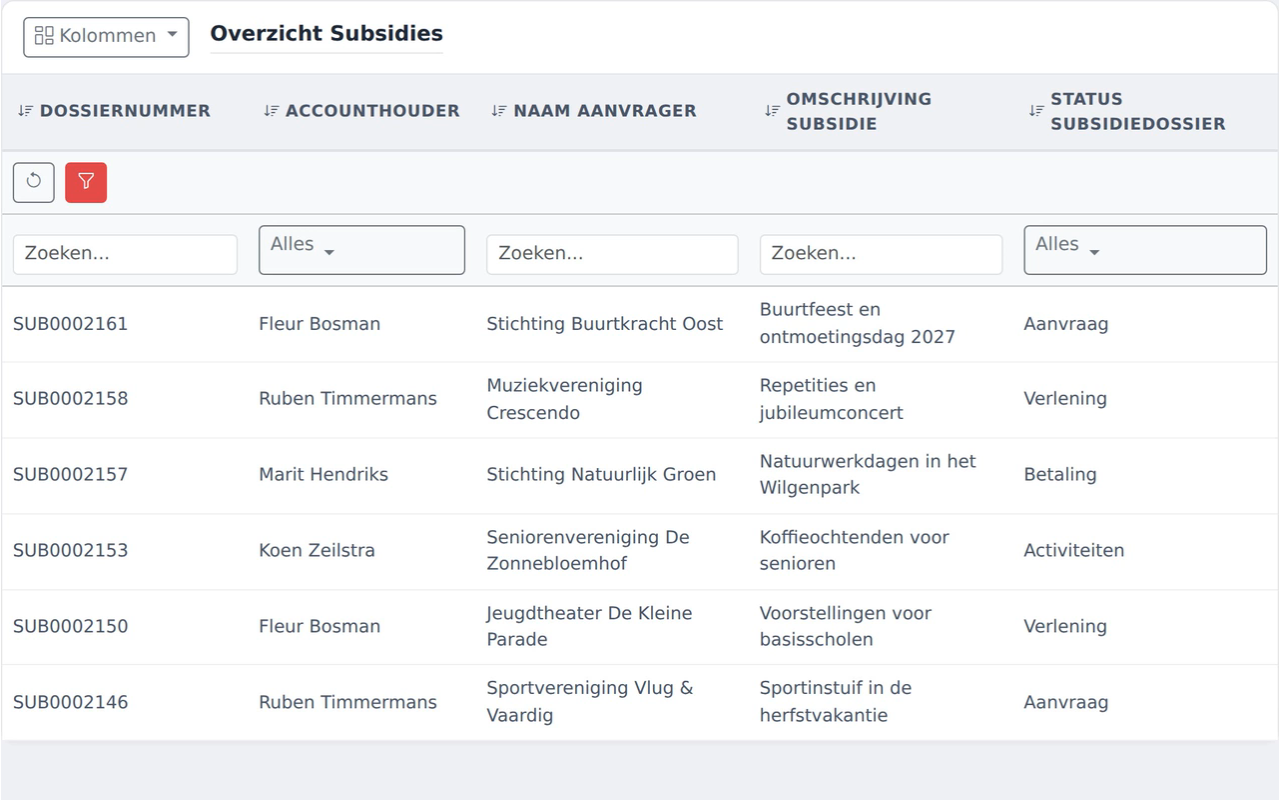
- Your own case numbering per kind of work.